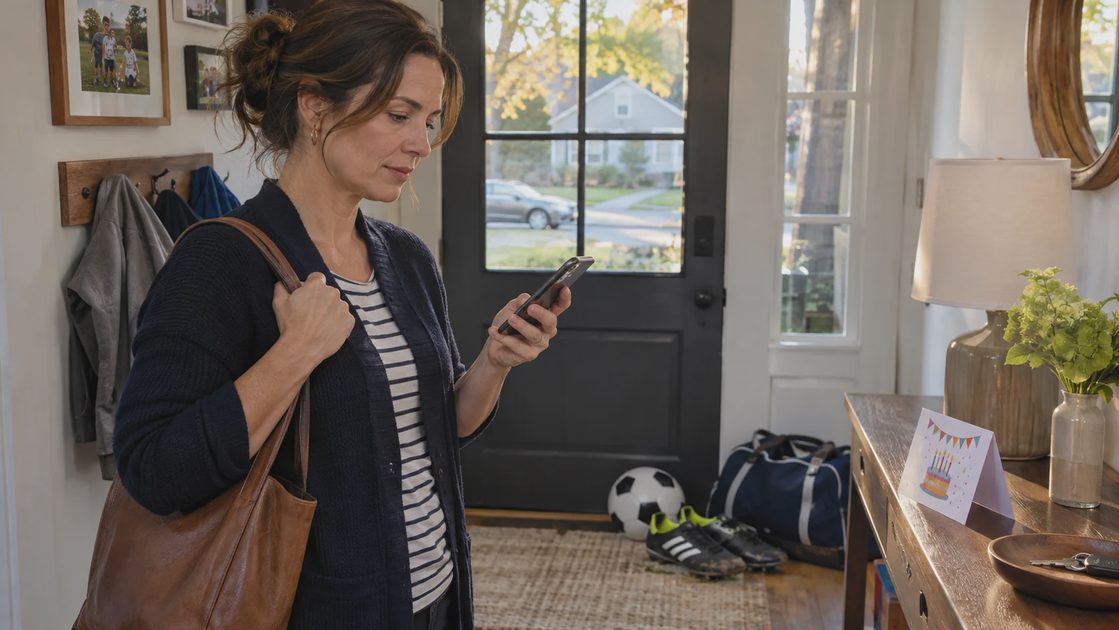
An AI text message generator is most useful when I already know my answer but cannot get the wording right. I start with the decision, the facts, and what I am not offering. That gives the draft a boundary before it gives the message a friendly tone.
The awkward part of a parent text is often the invisible negotiation. Does “we can help” mean one ride or every Thursday? Does “maybe” keep an invitation open? A two-sentence reply can quietly commit the rest of your afternoon.
I use the approach below for ordinary scheduling and social messages. The sample exchanges are worked examples you can adapt, not reports of conversations with my family.
Before “make it nicer,” finish this sentence
“After reading my reply, the other person should know…”
That is the starting point for my ChatGPT prompts. “Make this friendly” describes a mood. “Confirm one child, decline the sibling invitation, and ask about pickup” describes a job.
If a request leaves me unsure whether I want to agree, I settle that first. A fluent draft cannot make that decision for me. Asking for five versions while avoiding the answer just creates five more things to read.
I give the assistant four pieces of information:
What I provide | Example detail | Why it matters |
|---|---|---|
Relationship | Another parent I know casually | Sets the level of familiarity |
Decision | Yes to the ride there | Prevents an invented commitment |
Fixed facts | Thursday; departure at 4:15 | Keeps the arrangement usable |
Boundary | No return ride or extra stops | Defines what friendliness must preserve |
The boundary is the part I protect most carefully. “Happy to help!” sounds harmless, but it can make a limited offer sound open-ended. I prefer a message that is warm because it is considerate and clear.
One reusable prompt, with room for your actual answer
You do not need a new texting app to try this. A conversational assistant that accepts writing instructions can work as an AI text message generator. Dedicated tools also exist: Heymarket’s generator offers tone and length adjustments, while WritingTools.ai includes fields for goals and context. Those are feature descriptions, not a performance ranking or a reason to move family messages into another service.
Here is the instruction I recommend saving:
Draft one short text to [relationship]. My decision is [answer]. Keep these facts unchanged: [facts]. I am not offering [boundary]. Use everyday American English, a warm, direct tone, and no invented reasons or promises. Include [question or next step]. Ask me if a necessary detail is missing. Return only the message.
The useful part of prompts for ChatGPT is the information inside the brackets. A longer role description adds little if the assistant still does not know whether you are saying yes.
I request one draft first. If the wording misses, I name the specific problem: “Keep the refusal clear,” or “Remove the apology; I have not done anything wrong.” That gives the revision a purpose.
Three replies where the details do the work
These examples show the messages I am aiming for. They are editorial examples, not captured tool outputs; an assistant may phrase its answer differently.
RSVP: answer the invitation without expanding it
Suppose an invitation asks whether your child can attend a Saturday party. Your child can go, a sibling cannot, and the end time is missing.
A complete reply is:
Thanks for inviting us! My child can come on Saturday; their sibling won’t be joining. What time should I plan to pick up?
I check the invitation before adding an arrival time. If the organizer asked about food or a form, I answer that too, preferably privately when the details are personal.
The useful improvement is closing the unanswered question. A more enthusiastic greeting does not compensate for leaving the host unsure who is attending.
Carpool: say exactly which part you can cover
Consider a request for transportation to and from practice. You can take a child there on Thursday, leaving at 4:15, but cannot handle the return.
I can drive your child to practice Thursday, leaving at 4:15. I can’t cover the return trip. Can you arrange pickup afterward?
That last question gives the other parent something specific to confirm. I keep this as an offer until the arrangement is accepted; a drafted text is not a completed handoff.
A reply such as “Thursday works—happy to help with practice!” loses the limit. It sounds smooth while leaving the most important detail unresolved.
A polite no: decline without leaving a negotiation open
Suppose another parent asks you to organize snacks for a whole season. Your answer is no, and you are not offering a smaller task.
Thanks for asking. I’m not available to coordinate snacks this season. I hope you find someone who can take it on.
I leave out “Maybe later” unless I mean it. I also remove offers to “help however I can” if I am not prepared to follow through.
A refusal can be brief without criticizing the request. If the relationship needs more warmth, I add a genuine acknowledgment. I do not ask the assistant to invent an illness, appointment, or family emergency to make the answer feel acceptable.
Fix the sentence that changes your meaning
When a draft feels wrong, I look for the change rather than regenerate the whole message. This small editing table keeps the revision focused:
Draft wording | What it may imply | My revision instruction |
|---|---|---|
“We should be able to make it” | Attendance is still uncertain | State the confirmed answer |
“Happy to help anytime” | Future availability | Limit the offer to this date |
“Sorry, sorry, this week is crazy” | An explanation is being negotiated | Keep one brief acknowledgment |
“Does that work?” | The whole boundary is adjustable | Ask only about the unresolved detail |
For a long draft, my follow-up starts with “shorten this” and names what must survive: “Keep Thursday, 4:15, the one-way limit, and the pickup question.” Without that instruction, a shorter message may omit something the recipient needs.
I also replace language I never use. “I sincerely appreciate your understanding” is often more formal than a parent-group reply needs. A plain “Thanks for checking” may fit better, provided it is something I actually mean.
Give enough context without uploading the group chat
An AI text message generator needs the relevant request, not every message surrounding it. I summarize the situation and replace names with “another parent” or “my child.” For drafting, a placeholder can stand in for an address; I add the real detail in the messaging app afterward.
Privacy settings are worth checking, but they do not make unnecessary sharing useful. OpenAI’s Temporary Chat guidance says temporary chats are not used to improve its models while they remain temporary, and a copy may be retained for up to 30 days for safety. I still leave out access codes, medical details, and identifiable information about other children.
If I browse collections such as awesome-chatgpt-prompts, I treat them as optional starting points. A copied persona cannot replace the actual decision, and I review instructions before pasting them. For these short replies, my four details are usually a better place to start.
A different rule applies when a text is upsetting rather than merely awkward. I separate what the message actually asks from what I suspect the sender means. For example, “Can you cover Friday again?” is a request; “They never respect my time” is an interpretation. I ask for help answering the request without adding that interpretation to the reply.
If the exchange keeps escalating, I stop polishing texts and suggest a conversation at a suitable time. More versions can make it easier to keep arguing. I save useful ChatGPT prompts for routine coordination, not as scripts for winning a disagreement.
The last check belongs in the messaging app
Before sending, I read the draft beside the original request:
Answer: Is my yes, no, or request unmistakable?
Facts: Are the date, time, people, and location correct?
Commitment: Did the assistant add a ride, favor, reason, or future offer?
Recipient: Is this going to one parent or the whole group?
Next step: Does the recipient know whether I need an answer?
If an ordinary reply is already clear—“Yes, thank you! See you at 3”—I send it without involving AI. Editing becomes another chore when the original message already does its job.
For the text you have been putting off, write the decision first. Add the facts you cannot afford to lose and the offer you are not making. Then ask for one draft, read it aloud, and send only the words you are ready to stand behind.

No comments yet — be the first to share a thought.